

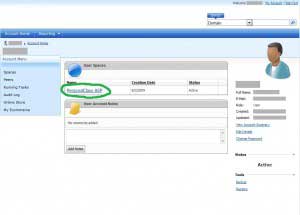
1)Click the “User Spaces”. This will be found on your Account Home page.
2) Under “Hosting Space Menu”, hover over “Databases” until the menu opens. Then click on “SQL Server 2008″. 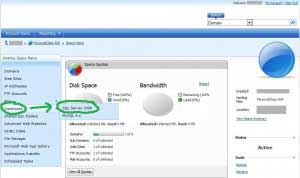
3) Click “Create Database” under “SQL Server 2008 Databases”.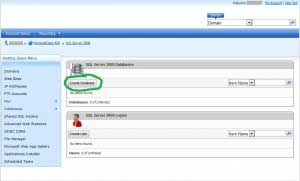
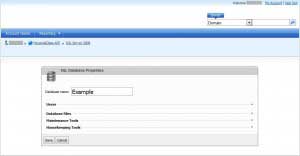
4) Enter a “Database name” and then click “Save”. For this example we will name the database “Example”.